![Dynamic LimeSurvey Template Flowy [Digital] - Image 2](https://survey-consulting.com/wp-content/uploads/LimeSurvey_Theme_Flowy_mobile.png)
![Dynamic LimeSurvey Template Flowy [Digital] - Image 3](https://survey-consulting.com/wp-content/uploads/LimeSurvey_Flowy_Theme_Animation.gif)
![Dynamic LimeSurvey Template Flowy [Digital] - Image 4](https://survey-consulting.com/wp-content/uploads/LimeSurvey_Theme_Flowy_Color_Options.png)
![Dynamic LimeSurvey Template Flowy [Digital] - Image 5](https://survey-consulting.com/wp-content/uploads/LimeSurvey_Theme_Flowy_Theme_Options.png)
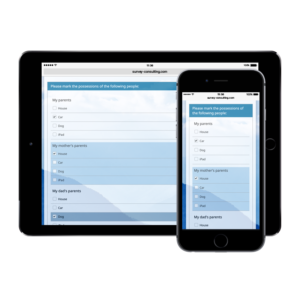
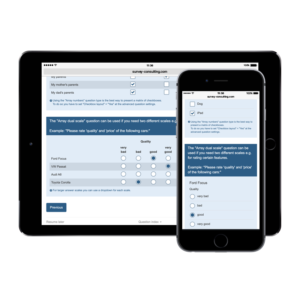
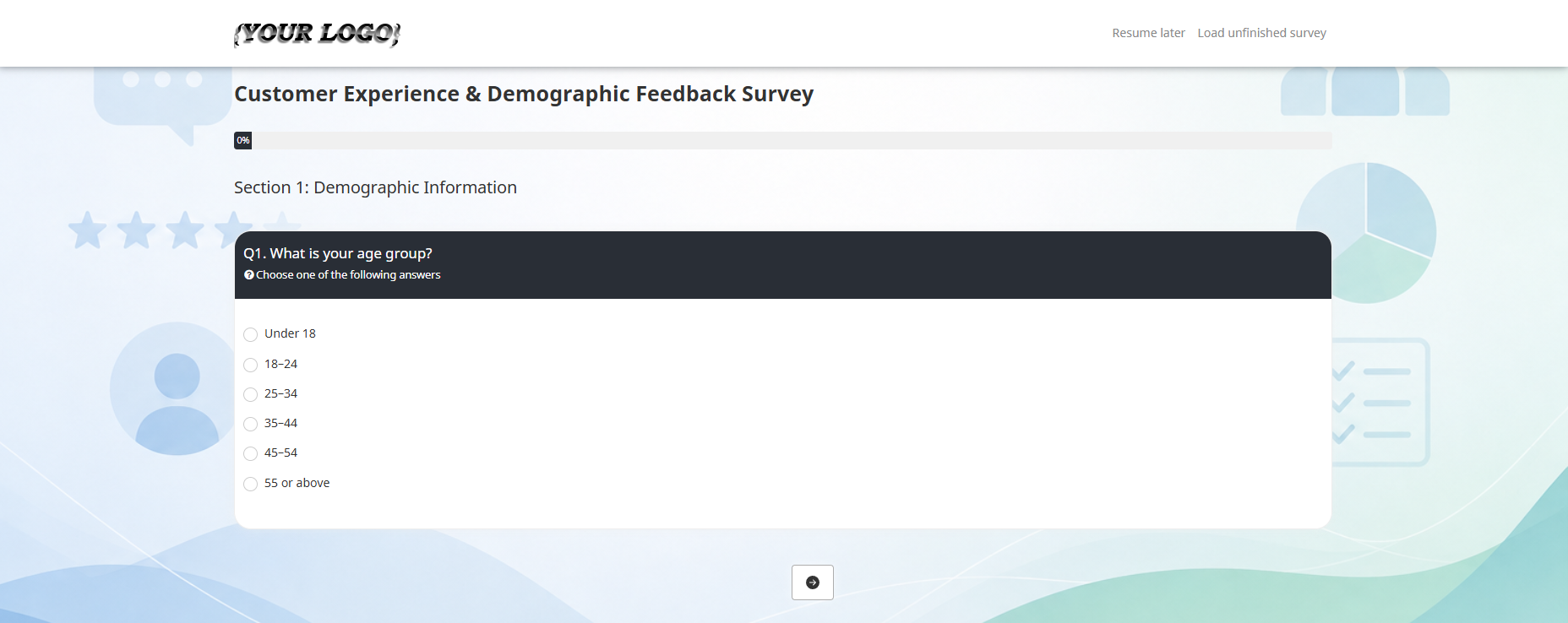
Flowy is a dynamic LimeSurvey template which is easy to customize. We designed it to create a smooth, Typeform-like survey experience. Instead of requiring respondents to select an answer and then click the Next button, Flowy can automatically load the next survey page as soon as an answer has been provided.
This streamlined navigation reduces unnecessary clicks and gives LimeSurvey questionnaires a more modern and interactive feel. Flowy supports the following question types:
- Radio Buttons
- Dropdowns
- Array
- Flexible Array
- Date
- Short Text
- Long Text
You can disable automatic navigation in the theme options if you prefer the standard LimeSurvey navigation.
You can adjust the delay settings in the theme editor.
Furthermore, Flowy’s theme options let you customize colors, fonts, content display and layout without editing the theme files.
Theme options include:
- Enable or disable Auto Submit
- Customize background, font and question colors
- Add a custom footer text
- Configure display settings for survey title, privacy information and help text
- Select progress-bar and validation-message styles
- Show or hide navigation and mandatory-question elements
- Adjust the survey container and “Other” input width
Looking for a different design? Browse our LimeSurvey template overview.

![LimeSurvey Template Basic Reloaded [Digital]](https://survey-consulting.com/wp-content/uploads/thumb_basic-reloaded-300x300.png)
![LimeSurvey Template TFR Responsive [Digital]](https://survey-consulting.com/wp-content/uploads/thumb_tfr-300x300.png)
![LimeSurvey Template Janus [Digital]](https://survey-consulting.com/wp-content/uploads/thumb_janus-300x300.png)